Visualization of Opensource Assignments
To view the opensource assignments, click on the icon in the top right-hand corner of the screen , then select “Opensource”.
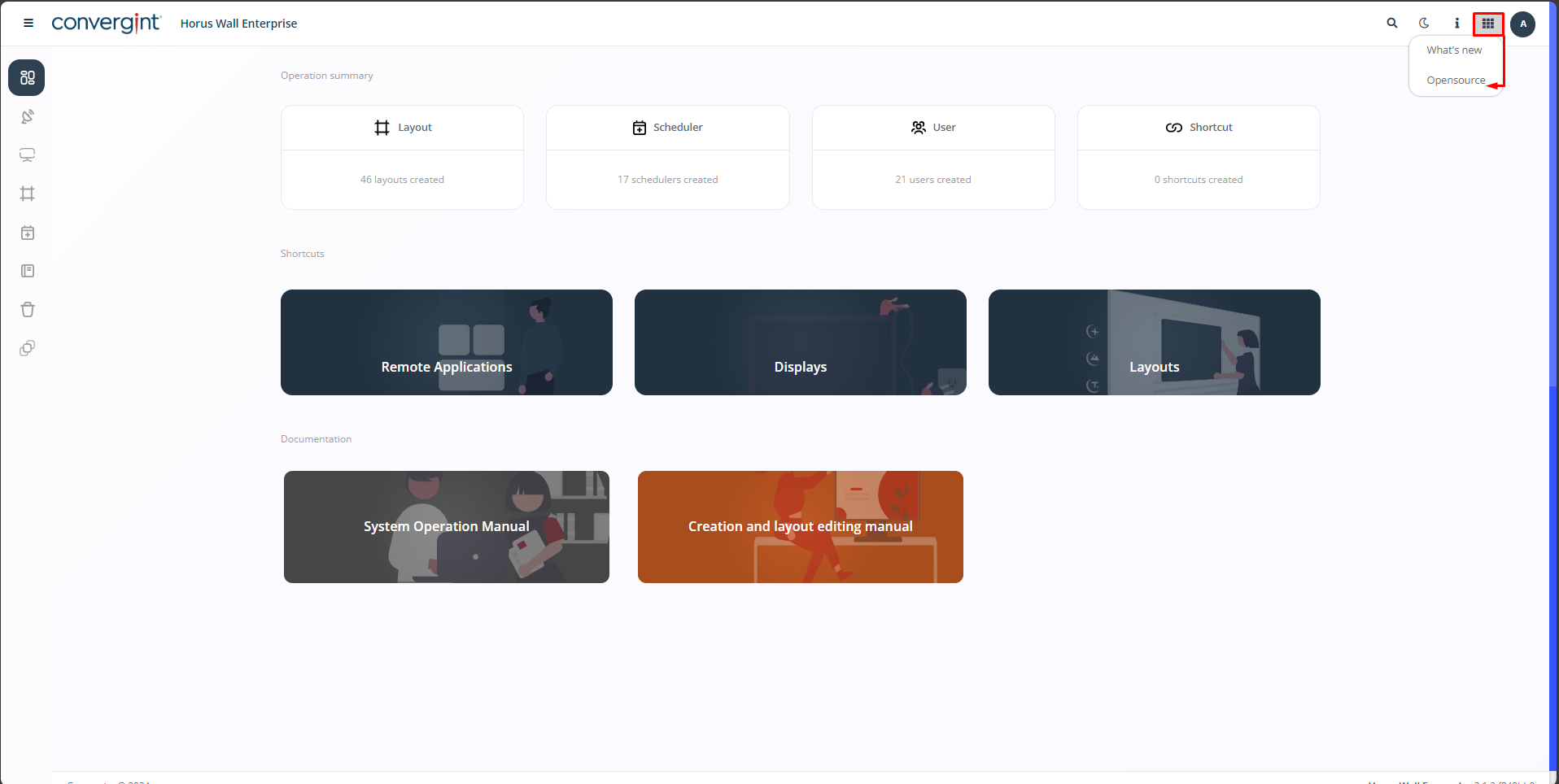
By clicking on this option, you will have access to the opensource assignments.
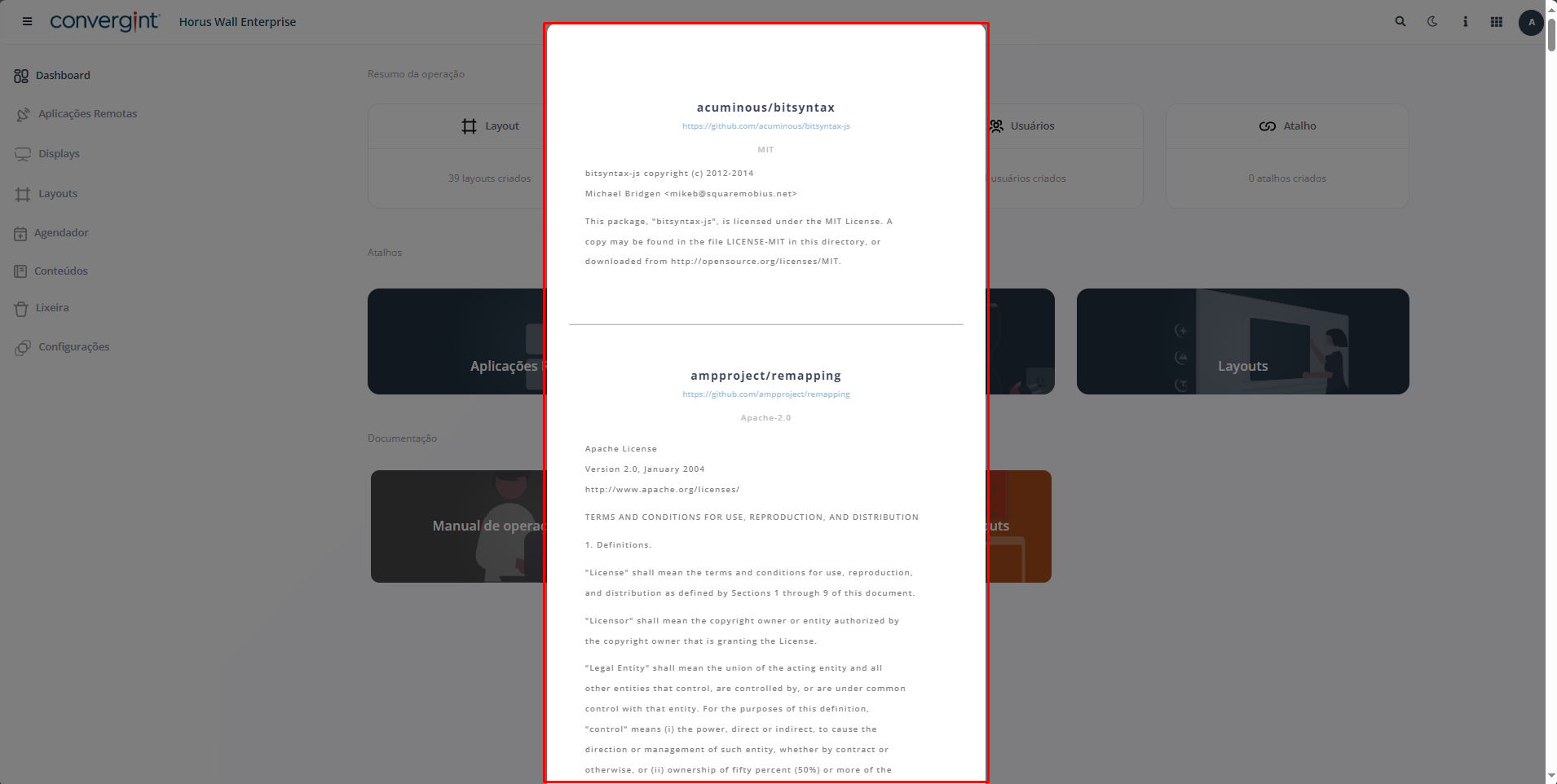
To view the opensource assignments, click on the icon in the top right-hand corner of the screen , then select “Opensource”.
By clicking on this option, you will have access to the opensource assignments.